

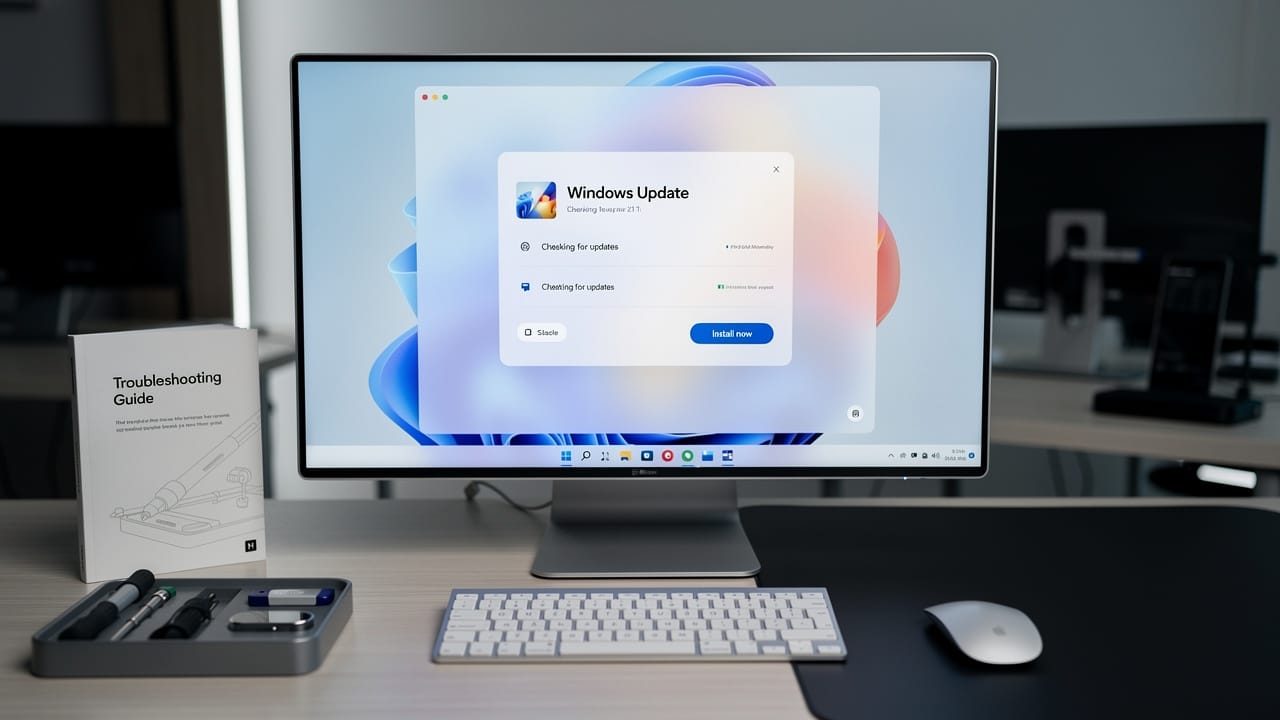
Windows Updates Microsoft is making sound consumer-friendly, but the deeper story is less about freedom and more about who controls the timing when your PC gets fixed, rebooted, or left exposed. Giving users an effectively endless pause button feels empowering, right up until that skipped patch is the one that matters.
Quick Summary
- Microsoft is changing how Windows updates can be paused, letting users keep delaying them in 35-day blocks
- The shift is getting attention because it changes the balance between convenience and security on Windows 11 updates
- Another strand of the conversation is about restart and shutdown behavior, which affects how updates windows machines actually finish installing
- For everyday users, this means more control, but also more responsibility for troubleshooting Windows Updates when something falls behind
- Businesses, IT teams, and less technical users may see the downside first, especially if indefinite pauses become a habit
- The biggest hidden issue is simple: Windows Updates Microsoft is making update management more flexible, but flexibility often creates more inconsistent and less secure PCs
What Happened With Windows Updates Microsoft
Microsoft is reportedly changing Windows so users can pause updates over and over, effectively without a final hard stop, as long as they keep renewing the pause in 35-day increments. That is a meaningful departure from the old idea that Windows would eventually force itself back into the update cycle.
This matters because updates are not just background maintenance. They are how security fixes, bug patches, feature changes, and sometimes unpopular interface tweaks land on more than a billion PCs. The recent attention around Windows Updates Microsoft comes from two overlapping concerns: more user control over when updates install, and more scrutiny over how restart and shutdown behavior affects those installs in the first place.
Key Details on Windows Updates Microsoft and Windows 11 Updates
At the center of this story is the familiar tension in Windows: users hate interruptions, but they also hate broken machines and security scares. Letting people delay patches in 35-day windows sounds modest. In practice, repeated pauses can stretch that delay indefinitely.
That has major implications for windows 11 updates, where Microsoft has already pushed a more service-like model. Updates now arrive as a constant stream, not a once-in-a-while event. Security patches, cumulative fixes, and feature releases increasingly blur together from a user’s point of view.
Why 35 Days Matters
The number is not random. 35 days is long enough to skip one update cycle and then some. It gives cautious users time to wait out early bugs. It also gives procrastinators five full weeks to ignore maintenance they probably should not ignore.
Forbes framed the broader Windows change in dramatic terms around shutdown and restart behavior on roughly 1 billion PCs, which gets at why this topic is trending. Windows updating is no longer a niche power-user issue. It is core operating system behavior at global scale.
The Bigger Update Pattern
This is also why updates windows machines can feel unpredictable to regular people. A laptop may say it is current, then suddenly ask for a restart. A desktop may shut down one night and spend the next morning “working on updates.” When users lose trust in that process, they look for ways around it. An indefinite pause is the cleanest escape hatch Microsoft has offered in years.
Some people will use that escape hatch wisely. Others will turn it into a semi-permanent setting and only notice months later when Windows Updates troubleshooting becomes a full Saturday project.
Midway through all this, it is worth remembering that the official Windows Update system is not just a delivery tool. It is Microsoft’s main mechanism for keeping the platform coherent across wildly different hardware.
What This Means for You, From Updates Windows Fatigue to Real Security Tradeoffs
For home users, the upside is obvious. If you have ever had a printer break, a driver act up, or a game stutter after patch day, more control sounds great. You can wait, watch forums, and install later after the rough edges are exposed.
That is especially attractive for people who rely on one PC for work, school, or gaming. Nobody wants a bad patch landing an hour before a deadline. In that sense, Windows Updates Microsoft is responding to a very real complaint, Windows has often treated the user’s schedule as optional.
If You Like Control, You Win First
Power users benefit most. So do IT-savvy households that know how to defer updates without forgetting them. These users can avoid day-one bugs and choose a safer install window. For them, the new approach may reduce the need to constantly troubleshoot Windows Updates after every major patch cycle.
It also helps travelers, people on metered connections, and anyone using older hardware that tends to react badly to surprise changes.
If You Forget About It, You Lose Later
The downside is less visible, but more serious. Most people do not actively manage maintenance. They postpone it. Then they postpone it again. An indefinitely renewable pause means many machines will drift out of date, not because users made a strategy, but because they got busy.
That creates three risks:
1. Security exposure from delayed patches
2. Compatibility issues when apps, drivers, or services expect newer builds
3. Harder troubleshoot Windows Updates scenarios when months of skipped changes pile up
A short delay can be smart. A long delay can turn one simple patch into a chain of failures.
What Others Missed About Windows Updates Microsoft
A lot of coverage treats this as a simple win for user choice. That is too shallow. The more interesting story is that Windows Updates Microsoft may be admitting a trust problem.
If users are desperate for an indefinite pause button, that usually means they do not trust the default update experience. They may fear buggy releases, mistimed restarts, UI changes they did not ask for, or vague patch notes that tell them almost nothing. The pause feature is not just a convenience tool. It is a pressure-release valve for a platform that has trained users to be cautious.
This Is Really About Trust, Not Just Timing
The smartest thing about the move is political, not technical. Instead of fighting users who want delay options, Microsoft can say: fine, you decide. If something goes wrong because you waited too long, responsibility shifts back toward the user.
That is clever. It reduces the feeling that updates are being imposed. But it also lets Microsoft preserve the same update machine while changing the optics around it.
Why This Could Make the Windows Ecosystem Messier
There is another hidden cost. A healthier Windows platform depends on a reasonably current install base. Developers, accessory makers, and IT departments all benefit when most PCs are on recent patches. If indefinite pauses become common, fragmentation gets worse.
That means more edge cases, more support headaches, and more situations where Windows Updates troubleshooting becomes harder because no two machines are at the same maintenance point.
In other words, the feature may improve the user experience one person at a time while making the ecosystem worse in aggregate.
Real Examples of How Windows 11 Updates Could Play Out
Imagine three common users.
A gamer pauses updates for 35 days because a new graphics driver issue is making headlines. Smart move, if they remember to come back and patch later.
A small business owner pauses windows 11 updates before tax season because accounting software has to stay stable. Also reasonable, especially if that PC is mission-critical.
Now the bad example. A family laptop gets paused, then paused again, then ignored for four months. Eventually the browser, printer software, and sign-in tools start acting strangely after a later catch-up install. What looked like convenience becomes a messy case of troubleshooting Windows Updates and general system cleanup.
The same thing applies to restart behavior. If your PC says “update and shut down,” but key changes only settle in after a full reboot cycle, users can end up confused about whether the machine is actually current. That confusion is one reason the update process feels more opaque than it should.
Near the end of the chain, Windows Update still becomes the tool everyone returns to, whether they are installing on schedule or recovering from months of delay.
Pros and Cons of Windows Updates Microsoft Letting You Pause Indefinitely
Pros
- More user control over timing
- Better ability to avoid buggy day-one releases
- Less disruption during work, school, or travel
- Useful for advanced users managing known compatibility issues
Cons
- Higher chance people forget critical patches
- More stale systems with larger security gaps
- Greater need for Windows Updates troubleshooting later
- More fragmentation across the Windows ecosystem
- Potential confusion over shutdown, restart, and install completion
Conclusion on Windows Updates Microsoft
Windows Updates Microsoft is giving users something they have wanted for years, real leverage over when their PCs change. That is a genuine improvement, but only for people disciplined enough to use it well.
For everyone else, an endless pause button may turn routine maintenance into delayed chaos. Control is good. Forgotten security patches are not.
What Happens Next (2026-2030)
Over the next few years, the winners will be power users, cautious businesses, and anyone who treats updates like scheduled maintenance instead of an annoyance to dodge. The losers will be casual users who keep delaying patches until their machines become harder to secure and harder to support.
Expect Microsoft to keep adding more granular controls while quietly nudging users back toward automation with alerts, recommendations, and maybe stronger warnings on long-paused systems. The company wants the appearance of choice without giving up the long-term goal of a fully managed Windows platform. In the end, Windows Updates Microsoft is not retreating from control, it is redesigning how that control feels.
Sources
About the Author